

What If One Tool Could Make Your Trading Routine Faster, Smarter, and More Organized?
Successful trading isn't about spending more hours in front of the charts.
It's about spending your time more effectively.
TradingView gives traders access to professional charting tools, advanced technical indicators, intelligent alerts, customizable layouts, and one of the largest trading communities in the world—all in one platform.
Whether you're trading Forex, Stocks, or Crypto, the right tools can help you analyze the market more efficiently and maintain a consistent trading routine.
In this guide, you'll discover the features that make TradingView one of the most trusted platforms among traders worldwide, and why many active traders eventually decide to upgrade beyond the free plan.
🚀 Ready to experience the full power of TradingView?
Table of Contents
- Why TradingView Is Different
- Professional Charts That Save Time
- Smart Alerts That Never Sleep
- Analyze Multiple Markets Simultaneously
- Build Your Own Trading Workspace
- Access Thousands of Technical Indicators
- Pine Script: Customize Your Analysis
- Why Many Traders Upgrade
- Is TradingView Premium Worth It?
- Frequently Asked Questions
- Final Thoughts
Why TradingView Is Different
Every trader has access to market data.
What separates experienced traders from beginners is often how efficiently they organize and interpret that information.
TradingView has become the preferred charting platform for millions of traders because it combines powerful analysis tools with an intuitive interface. Instead of switching between multiple websites and software, everything you need is available in one place.
Whether you're planning your next trade, reviewing historical price action, or tracking multiple assets, TradingView helps simplify your workflow.
Professional Charts That Save Time
The first thing you'll notice is the quality of the charts.
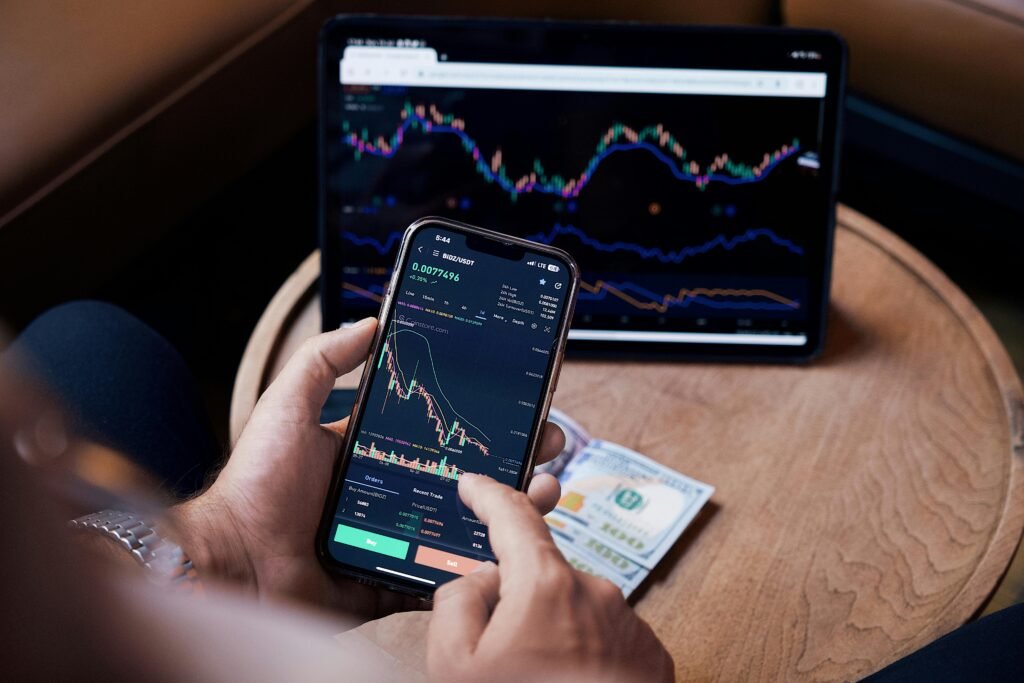
TradingView offers smooth, responsive, and highly customizable charts that make technical analysis both efficient and enjoyable.
You can:
- Switch between multiple timeframes instantly.
- Customize chart colors and layouts.
- Add drawing tools with precision.
- Save chart templates.
- Analyze different asset classes using the same interface.
Having a clean and organized chart reduces distractions and allows you to focus on what really matters—price action.
Smart Alerts That Never Sleep
One of the most valuable features of TradingView is its alert system.
Instead of spending hours watching charts, you can let the platform monitor the market for you.
Alerts can notify you when:
- Price reaches a specific level.
- A trendline is broken.
- An indicator generates a signal.
- A moving average crossover occurs.
- A custom Pine Script condition is triggered.
This helps traders stay disciplined and avoid constantly checking the markets.
💡 Save time and never miss important market movements.
Analyze Multiple Markets at the Same Time
Many traders follow more than one market.
For example:
- EUR/USD
- Gold
- Bitcoin
- NASDAQ
- S&P 500
Monitoring each chart individually can become time-consuming.
Paid TradingView plans allow multiple synchronized chart layouts, making it easier to compare markets and identify opportunities more efficiently.
This feature is especially useful for swing traders and multi-asset investors.
Build Your Own Professional Trading Workspace
Successful traders rely on consistency.
TradingView allows you to create a personalized workspace that matches your trading style.
You can organize:
- Favorite watchlists
- Saved layouts
- Drawing templates
- Custom indicators
- Price alerts
- Trading notes
Everything is automatically synchronized across your desktop, tablet, and mobile devices.
This means your trading environment is always available wherever you are.
Access Thousands of Technical Indicators
TradingView includes one of the largest collections of technical indicators available online.
Popular indicators include:
- Relative Strength Index (RSI)
- MACD
- Bollinger Bands
- Moving Averages
- Fibonacci Retracement
- Ichimoku Cloud
- VWAP
- Volume Profile
In addition, the TradingView community has developed thousands of custom indicators that can be added to your charts with just a few clicks.
Whether you're a beginner or an advanced trader, you'll have access to tools that support your analysis.
Pine Script: Customize Your Analysis
One feature that makes TradingView unique is Pine Script®.
This built-in programming language allows traders to:
- Create custom indicators.
- Build personalized alerts.
- Test trading ideas.
- Develop automated strategies.
- Share scripts with the TradingView community.
Even if you don't write code yourself, you'll benefit from thousands of community-created scripts that are freely available.
Why Many Traders Upgrade
The free version of TradingView is powerful and an excellent place to begin.
However, as your trading experience grows, you may start looking for additional capabilities that support a more structured workflow.
Depending on the selected subscription plan, paid users can benefit from features such as:
- More active alerts.
- Additional indicators per chart.
- Multiple chart layouts.
- Extended historical market data.
- Faster data updates.
- Enhanced workspace customization.
- Priority customer support.
For active traders, these improvements can make daily market analysis more efficient and organized.
🚀 Unlock More Professional Trading Features
Is TradingView Premium Worth It?
The answer depends on how often you use the platform.
If you're just learning the basics of trading, the free version offers plenty of value.
However, if you regularly analyze multiple markets, rely on technical indicators, or prefer a highly organized trading workflow, a paid plan may provide additional tools that better support your routine.
Think of it as investing in your trading environment rather than expecting it to improve your results automatically.
Professional tools don't guarantee successful trades—but they can help you work more efficiently, stay organized, and reduce unnecessary distractions.
Frequently Asked Questions
Is TradingView free?
Yes. TradingView offers a free plan with access to charts, indicators, and many core features.
Can beginners use TradingView?
Absolutely. TradingView is designed for traders of all experience levels and provides an intuitive interface that's easy to learn.
What are the advantages of a paid plan?
Paid plans offer additional alerts, more indicators, expanded chart layouts, longer historical data, and other advanced features that support a more efficient trading workflow.
Can I use TradingView on mobile?
Yes. TradingView is available on web browsers, Android, iPhone, tablets, and desktop applications, with synchronization across devices.
Is TradingView suitable for Forex, Stocks, and Crypto?
Yes. TradingView supports a wide range of financial markets, including Forex, Stocks, ETFs, Commodities, Indices, Futures, and Cryptocurrencies.
Final Thoughts
TradingView has become one of the world's most respected charting and market analysis platforms because it combines powerful technology with an intuitive user experience.
Whether you're building your first trading plan or refining an advanced trading workflow, the platform provides tools that help you analyze markets with greater confidence and efficiency.
If you're serious about becoming a more organized trader, exploring TradingView's premium features may be a worthwhile investment in your learning journey and daily trading routine.
Ready to take your market analysis to the next level?
Related Articles
- What Is Forex Trading? A Beginner's Guide
- The Ultimate Guide to Risk Management in Trading
- Top 3 Technical Indicators Every Trader Should Know
- The Psychology of Trading: Mastering Your Mindset
- How to Choose a Forex Broker: A Complete Beginner's Guide